
 English
 Lietuviškai
 Dansk
 Deutsch
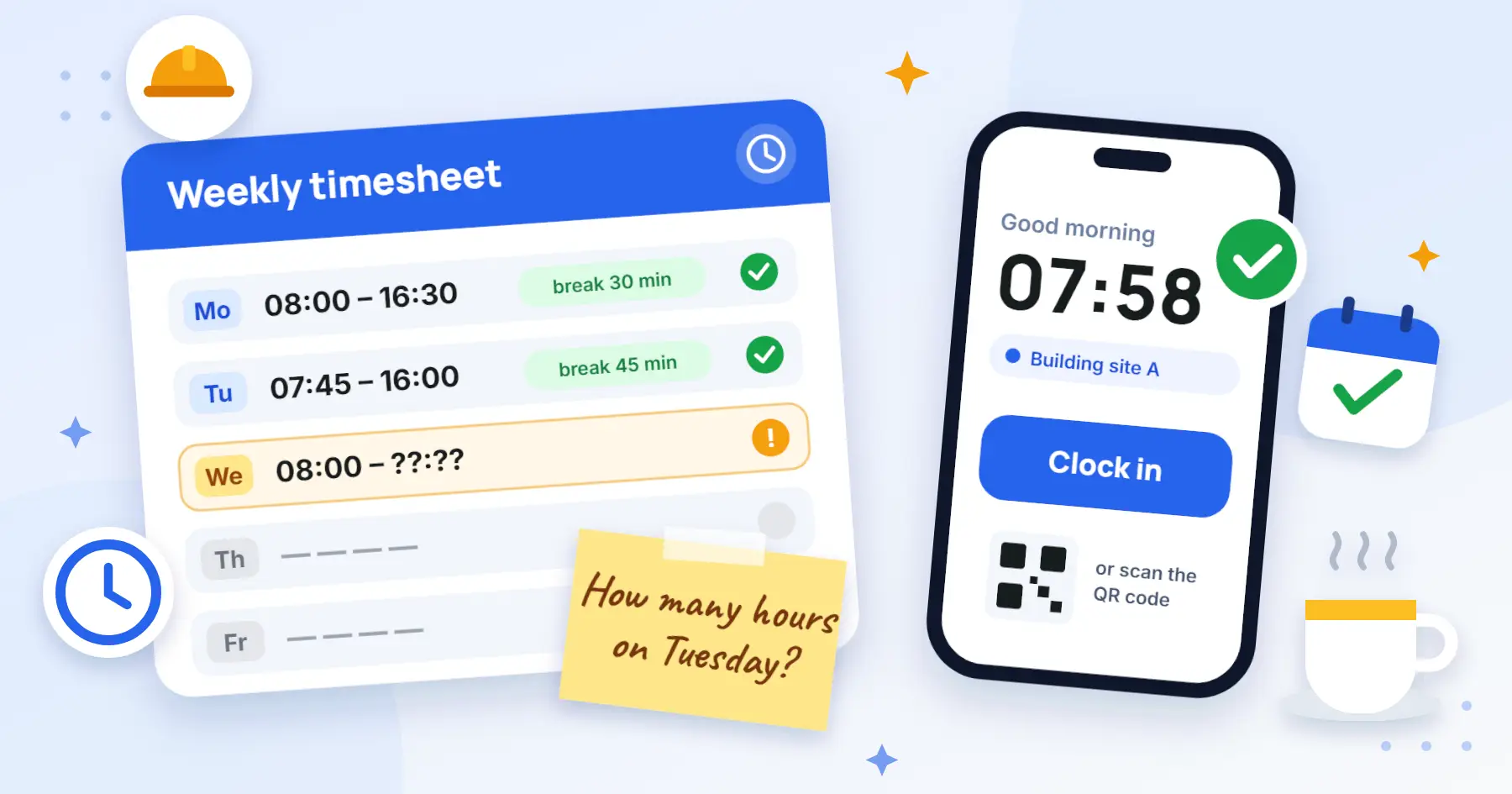
Monday morning. The accountant asks for last week’s hours. John remembers working “somewhere near that house” on Tuesday, and the break was maybe 30 minutes, maybe 45. Sound familiar? Then this article is for you.
In short: a good timesheet answers four questions: who worked, when, for how long and where. Plus one more: who approved it. Everything else is detail, covered below.
Why you actually need time tracking
In many European countries employers are legally required to keep working-time records. The details differ by country, so check yours with an accountant or lawyer. But even without such a rule, records pay off:
- For pay. Overtime, night work, rest-day and holiday hours are paid differently from regular hours, so they have to be visible separately.
- For disputes. When there is a question about how much was worked and when, recorded entries are the clearest answer.
- For costs. If you know how many hours each site took, you can price the next job more accurately.
- For leave and sickness. They belong in the same place as worked time.
What a timesheet should show
Six parts a timesheet is not much use without. Take a look at an example:
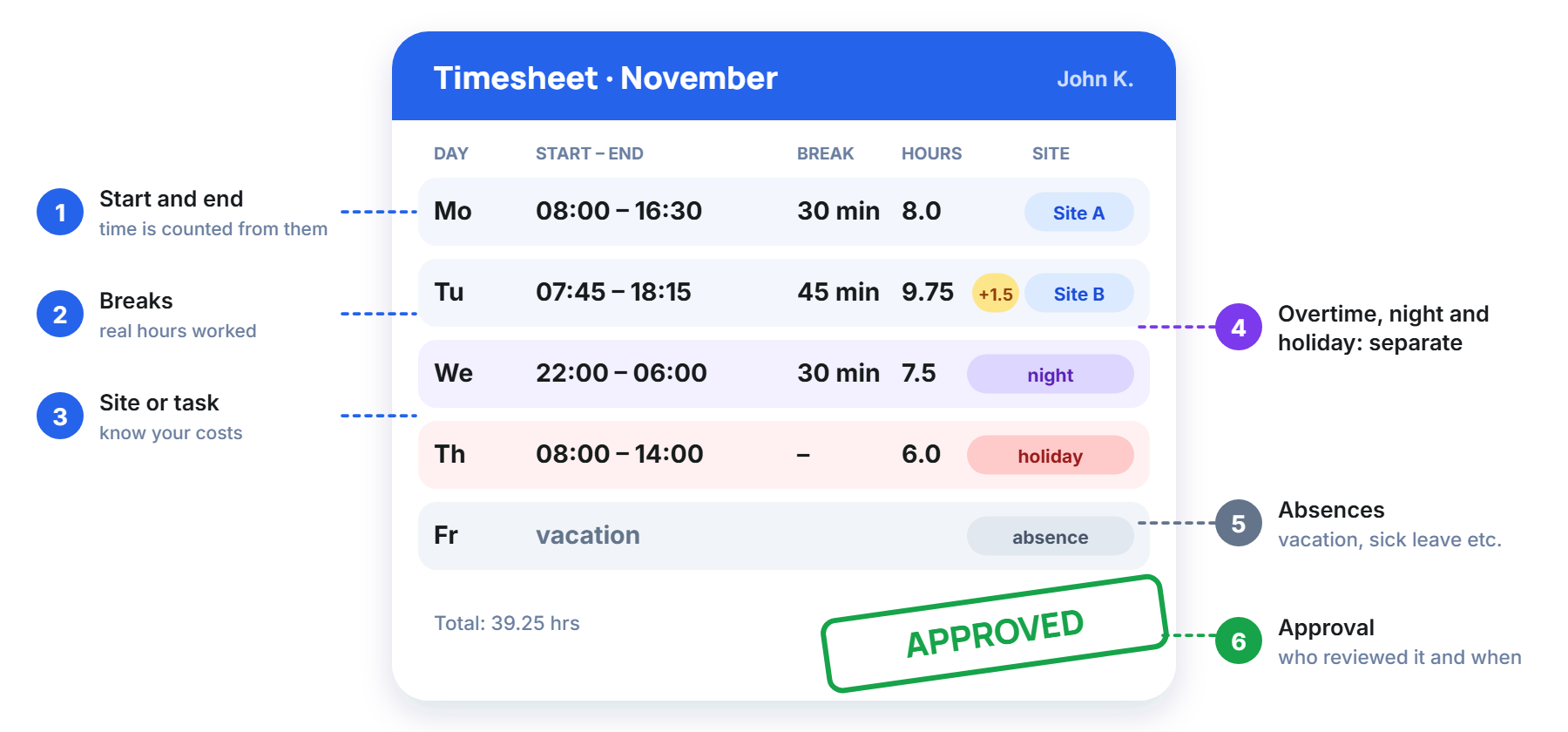
Pay attention to point four. Overtime, night, rest-day and holiday hours should be visible separately, not hidden in one total. Otherwise you will have to recalculate everything when it is time to work out pay.
Three ways to keep time records
Most teams start with paper, move on to Excel and finally decide to look for an app. Each way has its own character:
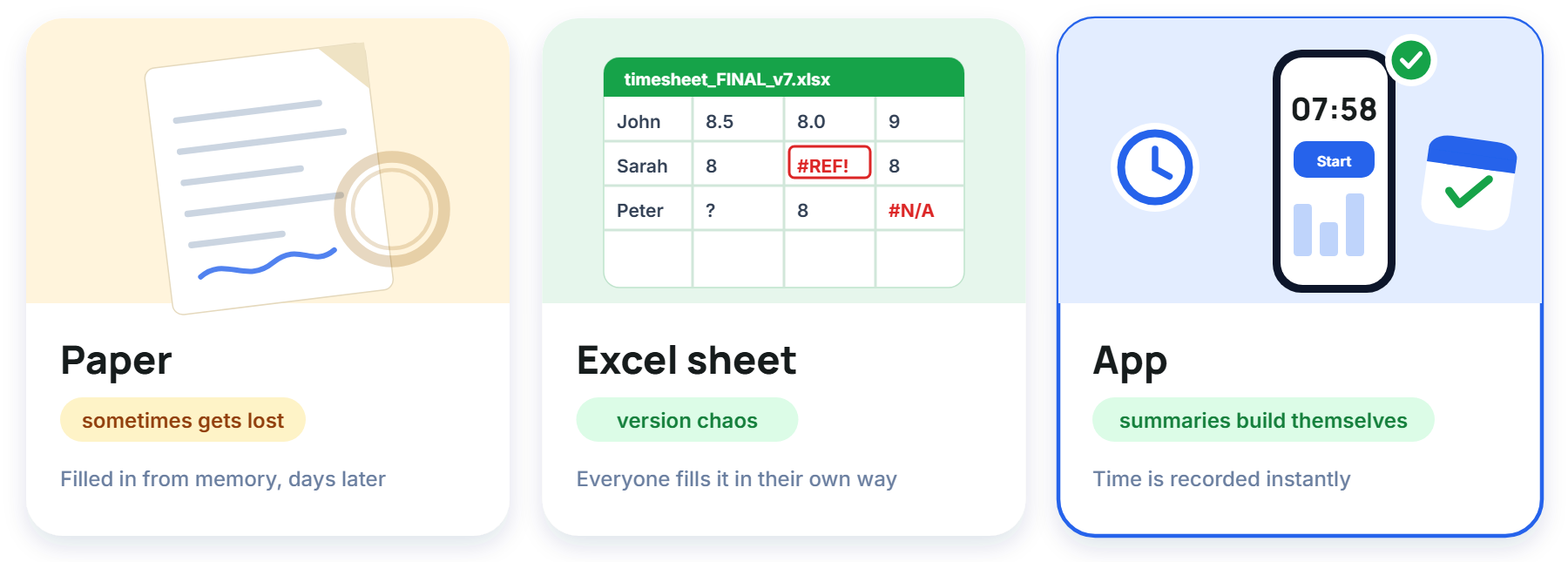
Paper needs nothing installed, but sheets get lost, and the coffee ring usually lands on exactly the hour you needed. It is filled in from memory a few days later, and at the end of the month it all has to be retyped.
Excel is more flexible, but everyone fills it in their own way. You get several files called “final”, “final_v2” and “REALLY_final”, and overtime and holiday hours are usually counted by hand.
An app records the time at the moment of arrival, and the summaries build themselves. What matters most is that the team actually wants to use it: if clocking in is a hassle, people will go back to filling it in after the fact.
The most common mistakes
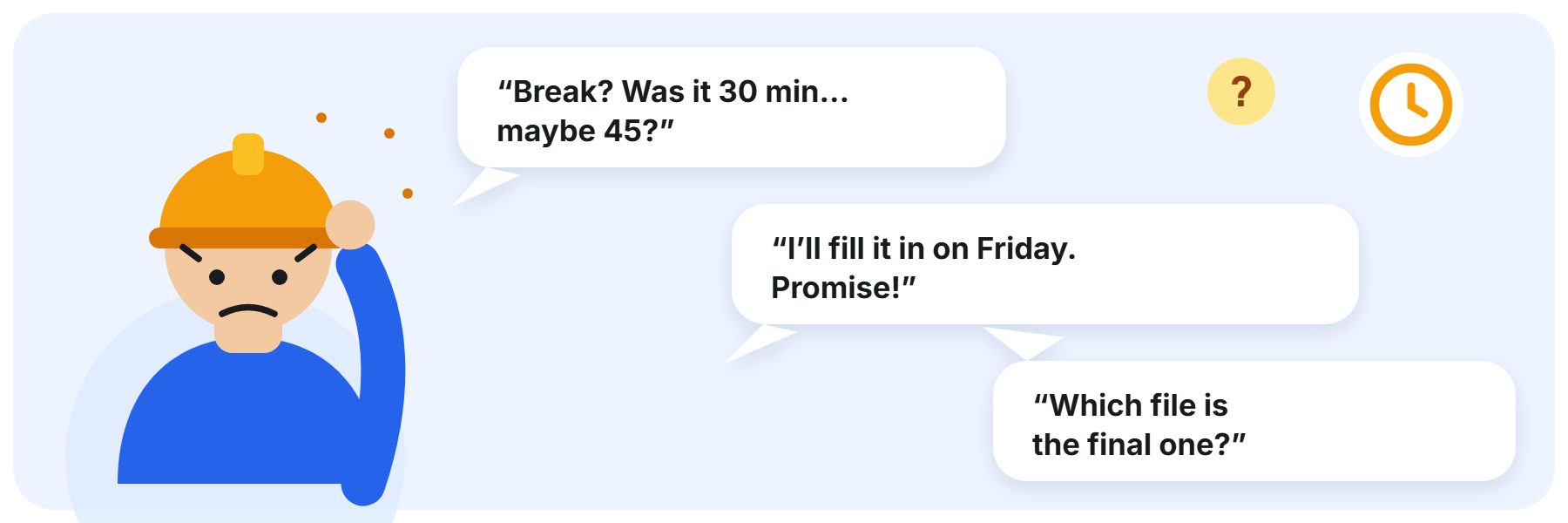
- Breaks are not recorded, so worked hours come out too high.
- Hours are filled in days later instead of the same day. “I’ll fill it in on Friday” is the biggest lie after “I’ll look at it tomorrow”.
- Records are kept in several sheets or files and they do not match.
- Night, rest-day and holiday hours are not counted separately.
- Nobody approves the hours before pay is calculated.
- A person who worked at several sites is entered on one line, and the cost per site disappears.
How Estimy does it
Estimy is built for teams that work on site, on the road or in the field. People clock in on their phone or by scanning a QR code, mark a break with one tap, and the manager sees hours by site. At the end of the month the report can be exported to Excel or PDF.
With the Work time module, overtime, night, rest-day and holiday hours are sorted by your country’s rules, so there is no need to count them by hand.
No hidden tracking. Estimy does not watch people in the background: arrival is confirmed at clock-in. A GPS route is recorded only on the tasks you choose, and the employee is always told.
Five questions for yourself
- Are everyone’s start, finish and breaks written down the same day?
- Can you see overtime, night and holiday hours separately?
- Are vacation and sick days in the same record?
- Does someone approve the hours before pay is calculated?
- Can you see how many hours went into each site?
If you answered “no” to at least two, it is worth trying a simpler way. Estimy is free for up to 3 people, and you will find the prices on the pricing page.