
 English
 Lietuviškai
 Dansk
 Deutsch
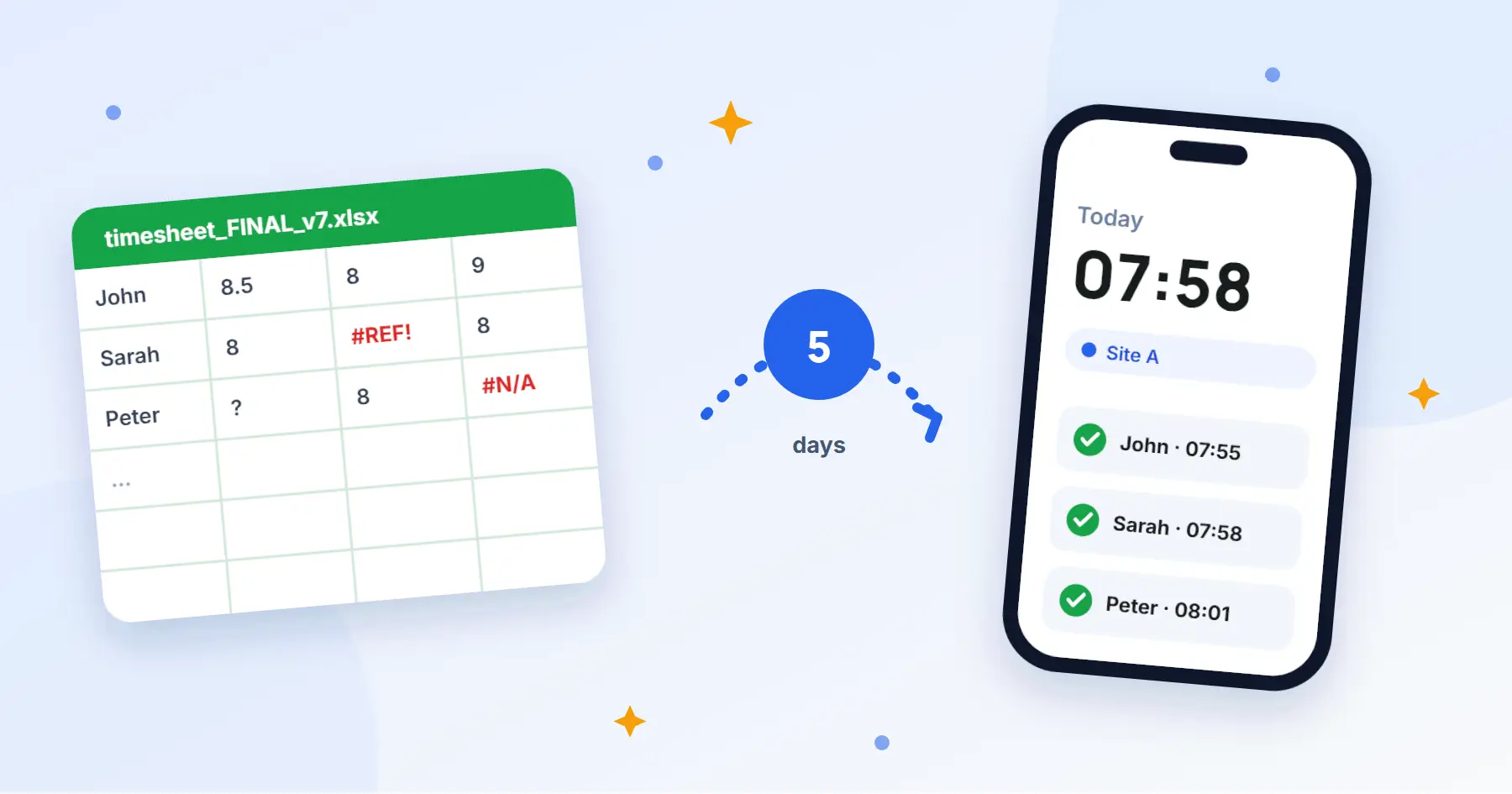
Excel is not the enemy. It has served countless teams faithfully. But when the file is called “timesheet_FINAL_v7” and lives next to “timesheet_FINAL_v7_REALLY”, maybe it is time to look for a simpler way.
In short: you do not need to move everyone at once. Pick one team, one site and one week. Keep Excel as a backup until you are sure everything matches.
A five-day plan
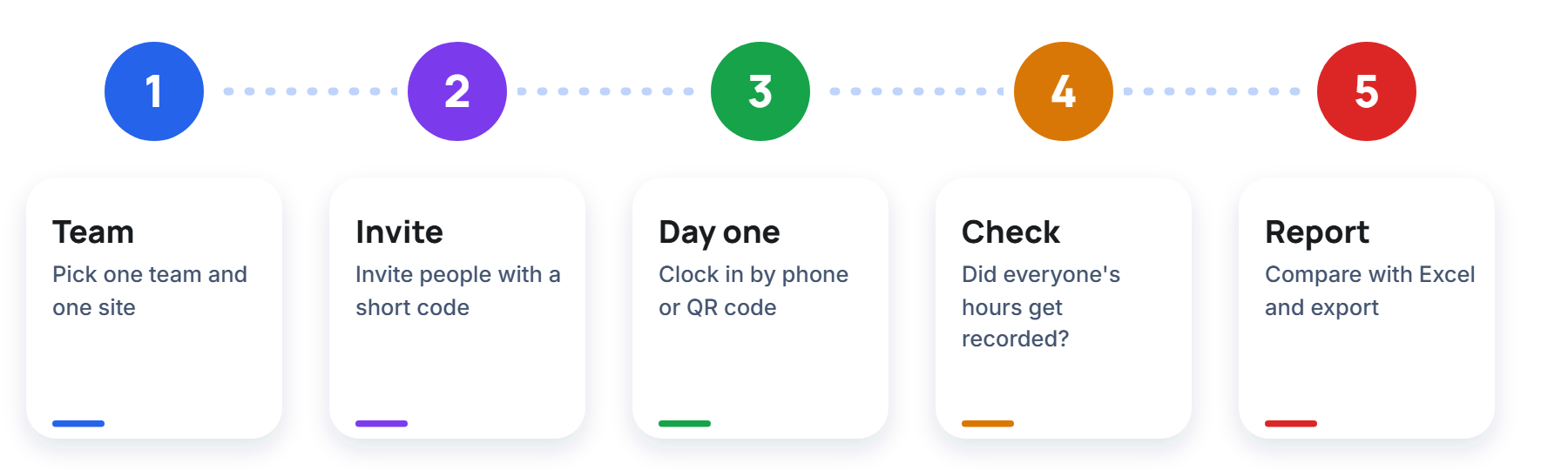
Day 1. One team and one site
Do not start with the whole company. Take a team that works together and whose manager wants to try it. A small pilot spares you most of the “but what about…” questions.
Day 2. Invite people
Add your sites and people and send each of them a short invite code. No per-seat contract, no onboarding call.
Day 3. The first real workday
People start work on their phone or by scanning the QR code at the entrance. Explain one thing: we clock in on arrival, not in the evening from memory.
Day 4. The check
See whether everyone who worked has an entry and whether the breaks look sensible. This is the best day to find out what still needs explaining.
Day 5. Compare with Excel
Look at the week’s hours and compare them with what you would have filled in by hand. If the differences are small and explainable, you can expand. The report can be exported to Excel or PDF and sent to the accountant.
What to do so the team accepts it
- Explain why you are doing it: so that pay is correct and nobody has to fill in paper sheets.
- Show that clocking in takes a few seconds.
- Say that Estimy does not watch people in the background. Arrival is confirmed at clock-in.
- Listen to the first comments and fix what you can.
The usual doubts
“What if someone forgets to clock in?” It will happen, especially in the first week. That is why on day 4 you check that everyone has an entry and have a chat. After a few days it becomes a habit, like holding a card to the door.
“What if there is no internet on site?” The Estimy phone app lets people start and finish work without a connection, and the data is sent once the connection is back.
“What about Excel?” Keep it as a backup in the first week. When everything matches on day five, you can leave it in peace.
You risk nothing. Estimy is free for teams of up to 3 people, so the trial week costs nothing. You will find the prices on the pricing page.