
 English
 Lietuviškai
 Dansk
 Deutsch
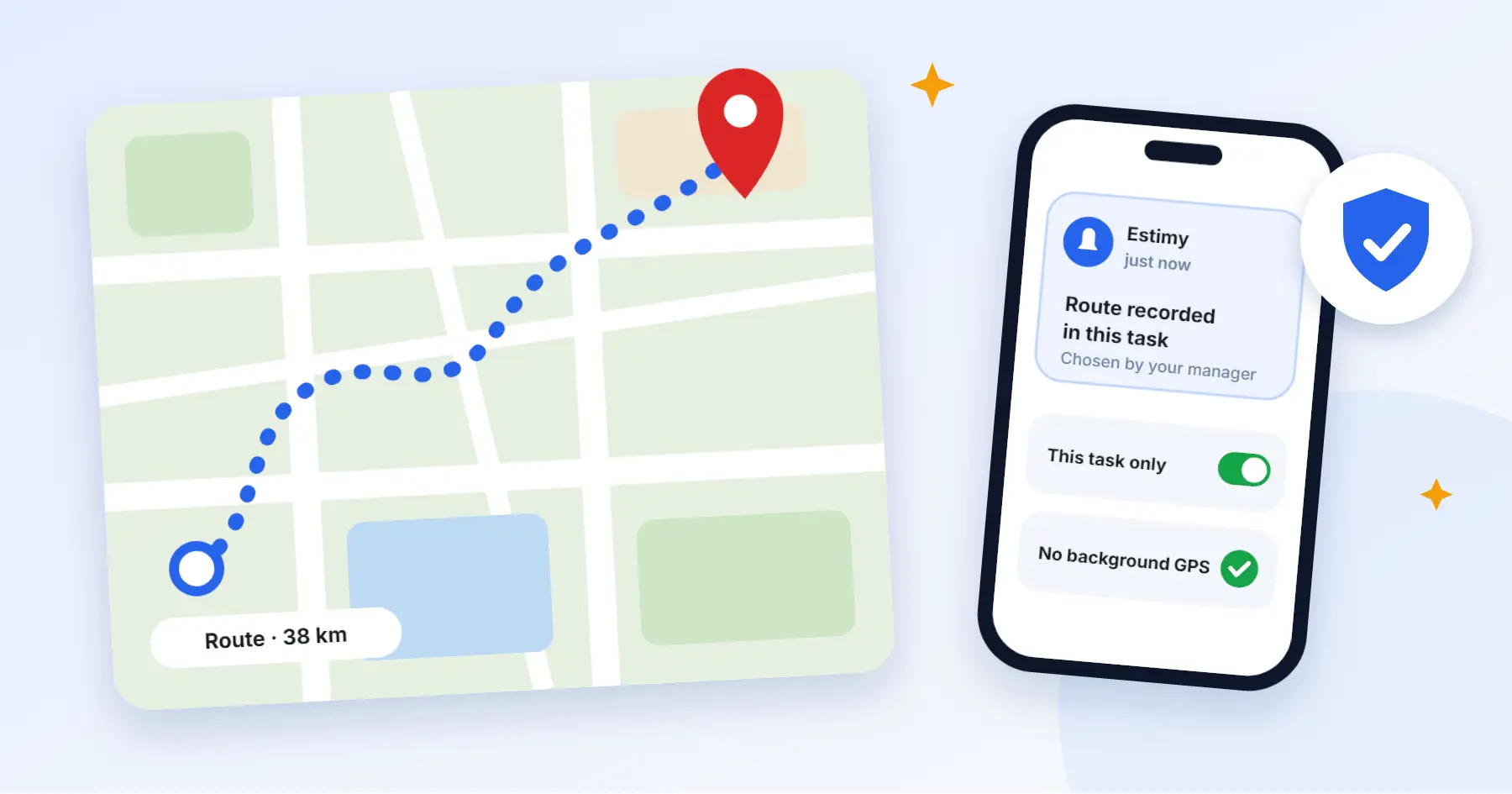
“Are we being tracked?” That question comes up in every team as soon as GPS is mentioned. It is a fair one, and it is worth answering before anything is switched on.
In short: GPS is neither good nor bad in itself. What matters is what it is used for, whether the person knows about it and whether only what is really needed is recorded.
When GPS is really needed
- For mileage. When you need to know how far a person drove on a task and work out travel costs.
- For routes. When a client or a manager has to see which way a task was carried out.
- For tasks that happen on the road. Couriers, service technicians and similar jobs.
When it is not needed
When it is enough to know that a person arrived at a site and when they started and finished. Clocking in by phone or QR code is enough for that, and no constant tracking is needed.
Three rules of transparency
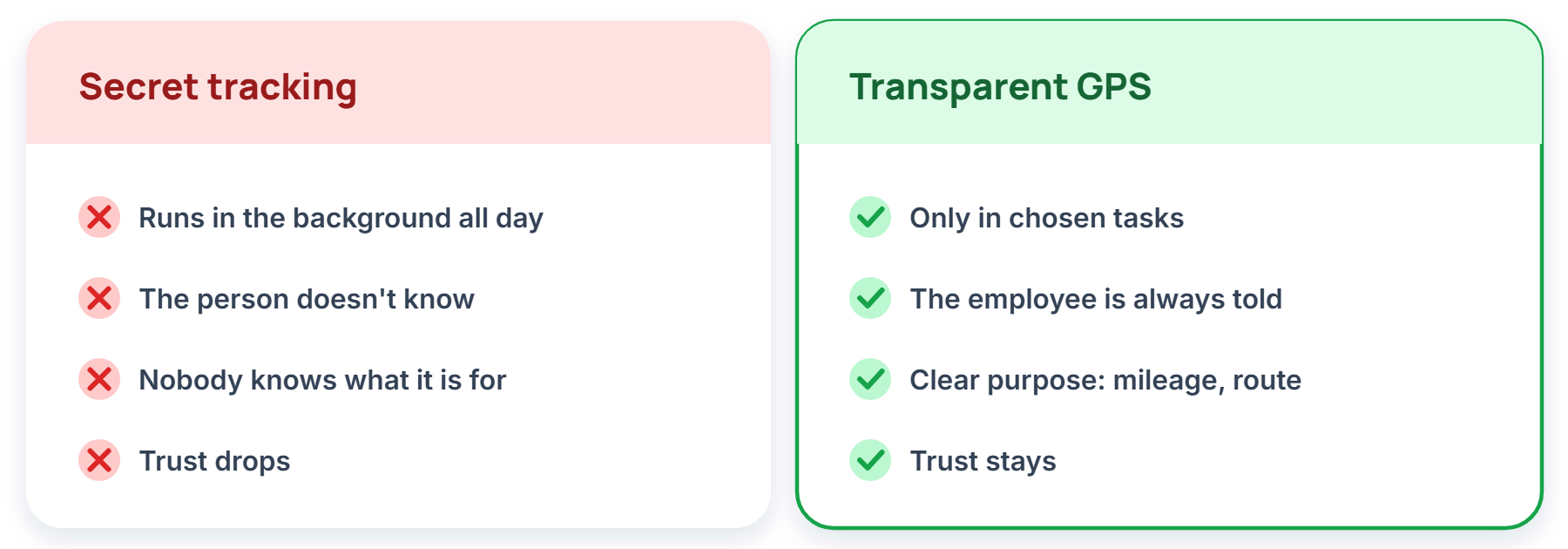
1. Record only on chosen tasks. A route is needed for a specific job, not the whole day. If you do not need it, do not switch it on.
2. Inform the person. The employee must know when their route is being recorded. A notification on the phone settles that without long conversations.
3. Say what it is used for. Mileage, an invoice or safety. Also define how long you keep the data.
Location data falls under personal-data rules (GDPR), so before switching GPS on it is worth consulting a lawyer or a data protection officer.
What to answer when people ask
“Are you tracking me all day?” No. Arrival is confirmed at clock-in, and a route is recorded only on tasks where it was planned in advance, and you get a notification about it.
“What is it for?” Mileage and invoices. Say so specifically, not “for order’s sake”.
“Can I see what you collect about me?” It is worth having an answer ready before you begin. If there is none, that is a sign you are not ready yet.
How Estimy does it
Estimy does not watch people in the background: arrival is confirmed at clock-in. A GPS route and mileage are recorded only on the tasks the manager chooses, and only with the optional Location and mileage module switched on. The employee always gets a notification about it.
A simple principle: if you could explain to the person, openly, why you are collecting the data, you are probably doing it right.