
 English
 Lietuviškai
 Dansk
 Deutsch
Time tracking for staffing agencies
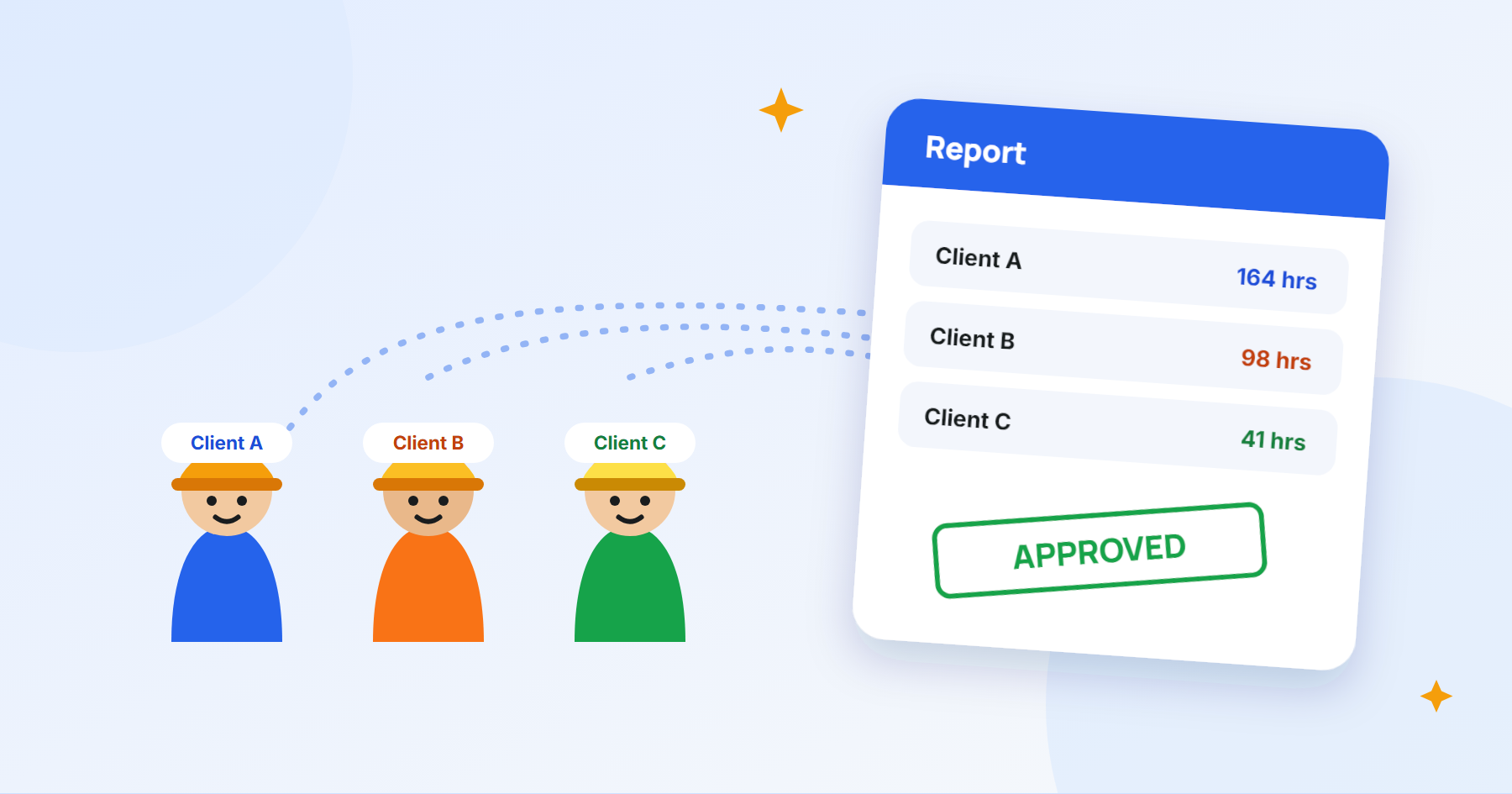
People placed at many client sites: hours per client for invoicing, a report you can send, and every worker clocking in on their own phone.
Problems every crew knows
- Workers are spread across client sites and nobody sees the hours until the end of the month.
- Clients dispute invoices because hours were never confirmed.
- Short assignments mean constantly adding and removing people.
- Briefings and agreements are collected on paper.
A day on the job
Monday: a client needs six extra people. The coordinator adds them with a short invite code. On site, each worker clocks in on their own phone.
On Friday the coordinator takes the hours per client from one report and sends it, so the invoice matches what the client could see all week.
How Estimy helps
- Work timeOvertime, night, rest-day and holiday hours worked out by your country’s rules.
- Labor costsSee what each site’s hours cost, with budgets and warnings before you go over.
- Documents and signaturesBriefings workers sign before work and acts the client signs on the phone.
- Report emailsOptional add-on: send reports by email on a schedule or right now.
- ShiftsPlan who works when, send the schedule to their phones and compare it with real clock-ins.
- Time offSee who is on vacation, sick or away, and have it show up in your reports.
Questions
How do I add people for a short assignment?
Add them and send each a short invite code. No per-seat contract, no onboarding call.
Can I send clients a report?
Yes. With the optional Report emails add-on you can send reports by email on a schedule or right now.
Can I see hours per client?
Yes. Hours are recorded by site, so each client’s hours are separate, and the Labor costs module shows what they cost.
What does it cost?
Estimy is free for teams of up to 3 people. For larger teams see the pricing page.
Try Estimy with your team
this week.
No credit card. Cancel anytime. If it doesn't make Monday morning easier, we'd genuinely like to know why.
Hosted in the EU. GDPR-aligned. Your team's data is yours.