
 English
 Lietuviškai
 Dansk
 Deutsch
Time tracking for property maintenance teams
Many buildings and many small jobs: hours per property, completion acts signed on the phone and budgets that warn you before you go over.
Problems every crew knows
- Technicians jump between buildings for small repairs and hours go to the wrong property.
- Managers and tenants dispute what was actually done.
- Owners ask what each property cost and you answer from memory.
- Emergency calls break the schedule.
A day on the job
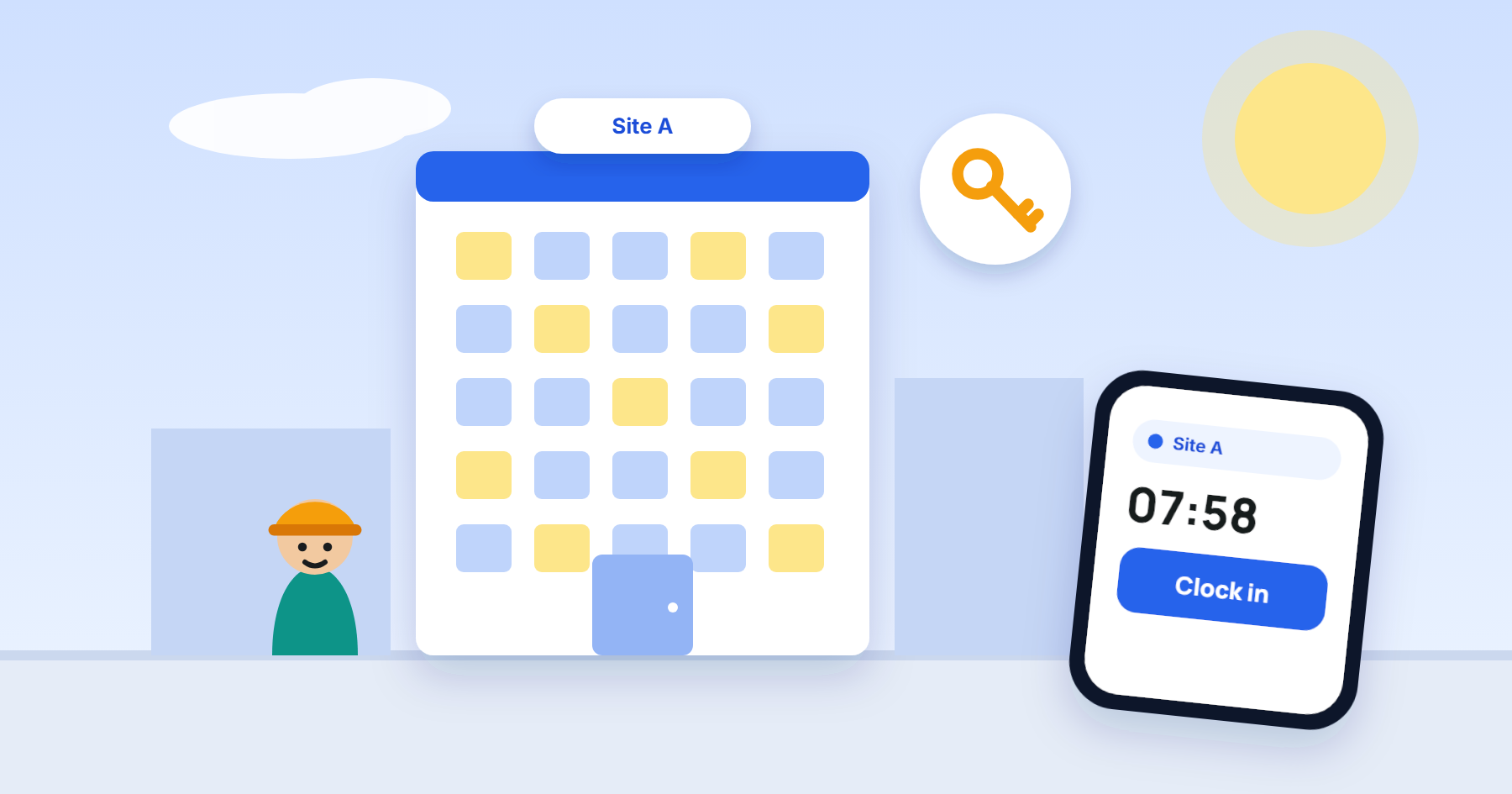
08:00: the technician scans the QR code at the first building and starts. By noon he has moved to the second property, scans again, and the hours go to the right one.
The property manager signs the completion act on his phone. In the evening the office sees hours per property and which budget is close to its limit.
How Estimy helps
- Labor costsSee what each site’s hours cost, with budgets and warnings before you go over.
- Documents and signaturesBriefings workers sign before work and acts the client signs on the phone.
- Work timeOvertime, night, rest-day and holiday hours worked out by your country’s rules.
- ShiftsPlan who works when, send the schedule to their phones and compare it with real clock-ins.
- Time offSee who is on vacation, sick or away, and have it show up in your reports.
- Location and mileageOptional add-on: a GPS route and kilometres on the tasks you choose, and workers are always told.
Questions
How do technicians clock in at each building?
On their phone, or by scanning a QR code at the property. The hours go to that site.
Can I see what each property costs?
Yes. Hours are recorded by site, and with the Labor costs module you see what they cost, with budgets and warnings before you go over.
Can the manager confirm finished work?
Yes. With the Documents and signatures module the client signs an act on the technician’s phone.
What does it cost?
Estimy is free for teams of up to 3 people. For larger teams see the pricing page.
Try Estimy with your team
this week.
No credit card. Cancel anytime. If it doesn't make Monday morning easier, we'd genuinely like to know why.
Hosted in the EU. GDPR-aligned. Your team's data is yours.