
 English
 Lietuviškai
 Dansk
 Deutsch
Time tracking for construction teams
Hours by site, QR clock-in at the gate, briefings and acts signed on the phone, and labor costs per project, without paper timesheets.
Problems every crew knows
- People move between sites during the day and the hours land on the wrong one.
- Subcontractors and day workers turn up and leave without any record.
- Safety briefings and handover acts get lost on paper.
- You see what a project cost in labor only when it is already over.
A day on site
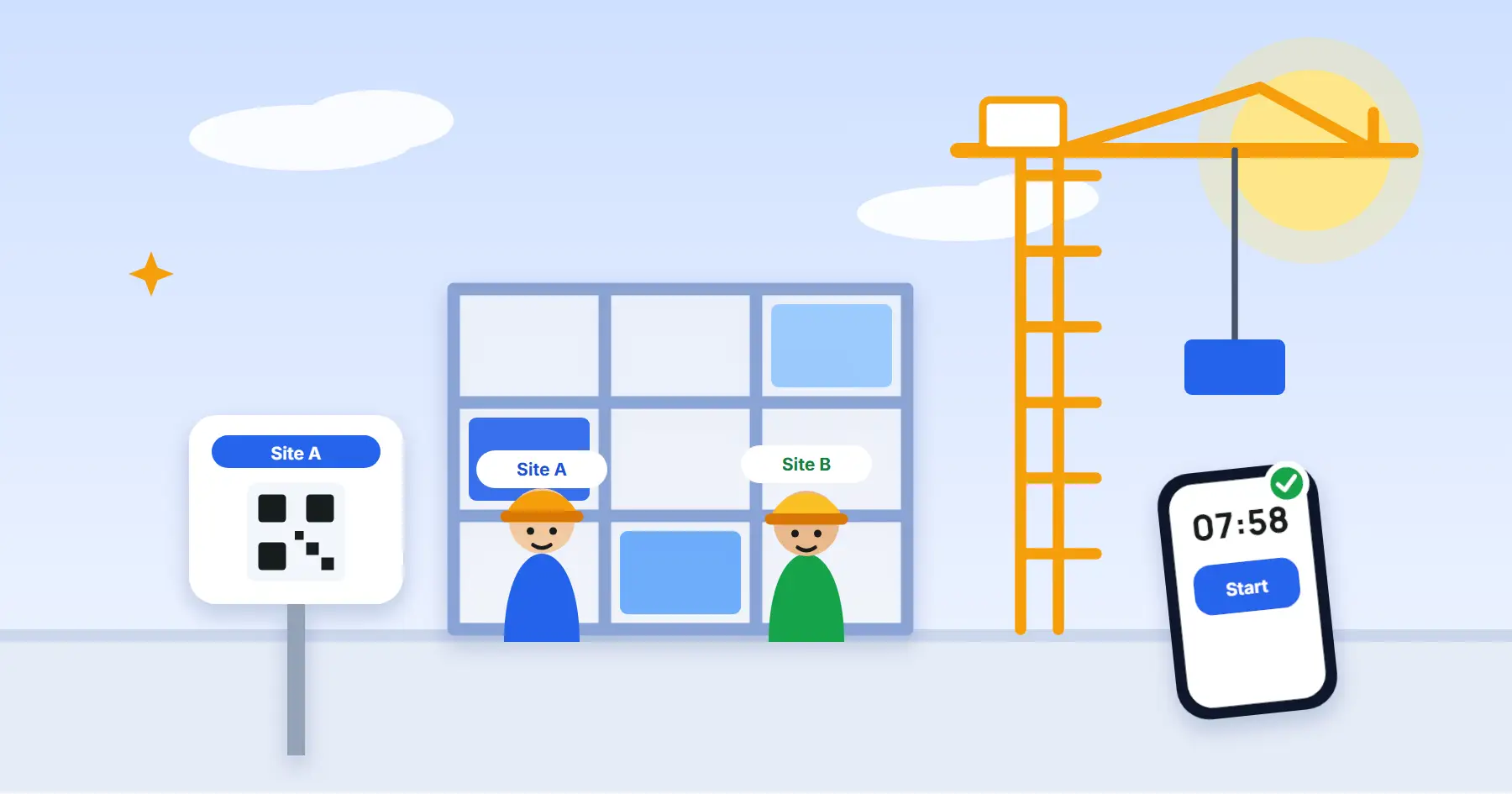
07:40, the gate. The crew scans the QR code on the fence and the day starts, with no timesheet to chase later. At noon half the team moves to site B and clocks in there, so each project gets its own hours.
In the afternoon the client signs the handover act on the foreman’s phone. In the evening the manager sees hours by site, and the budget warning for site A is already waiting.
How Estimy helps
- Work timeOvertime, night, rest-day and holiday hours worked out by your country’s rules.
- Labor costsSee what each site’s hours cost, with budgets and warnings before you go over.
- Documents and signaturesBriefings workers sign before work and acts the client signs on the phone.
- ShiftsPlan who works when, send the schedule to their phones and compare it with real clock-ins.
- KioskA shared tablet at the gate where people clock in with a PIN, no phone needed.
- Location and mileageOptional add-on: a GPS route and kilometres on the tasks you choose, and workers are always told.
Questions
Can workers clock in without a smartphone?
Yes. With the Kiosk module a shared tablet at the entrance lets people clock in with a PIN, no phone needed.
Do you track workers all day?
No. Arrival is confirmed at clock-in. A GPS route is recorded only on tasks you choose, with the optional Location and mileage add-on, and the worker is always told.
Can I see what each site costs?
Yes. Hours are recorded by site, and with the Labor costs module you also see what they cost, with budgets and warnings before you go over.
What does it cost?
Estimy is free for teams of up to 3 people. For larger teams see the pricing page.
Other industries
Try Estimy with your team
this week.
No credit card. Cancel anytime. If it doesn't make Monday morning easier, we'd genuinely like to know why.
Hosted in the EU. GDPR-aligned. Your team's data is yours.